Fingerprint smart deadbolt
Come home without reaching for a key.
Unlock a compatible front door by fingerprint, PIN, Philips Home Access app, Alexa or Google voice assistant, or physical backup key.
Current price, coupon, seller, stock, delivery, returns, and exact specifications are shown on Amazon.
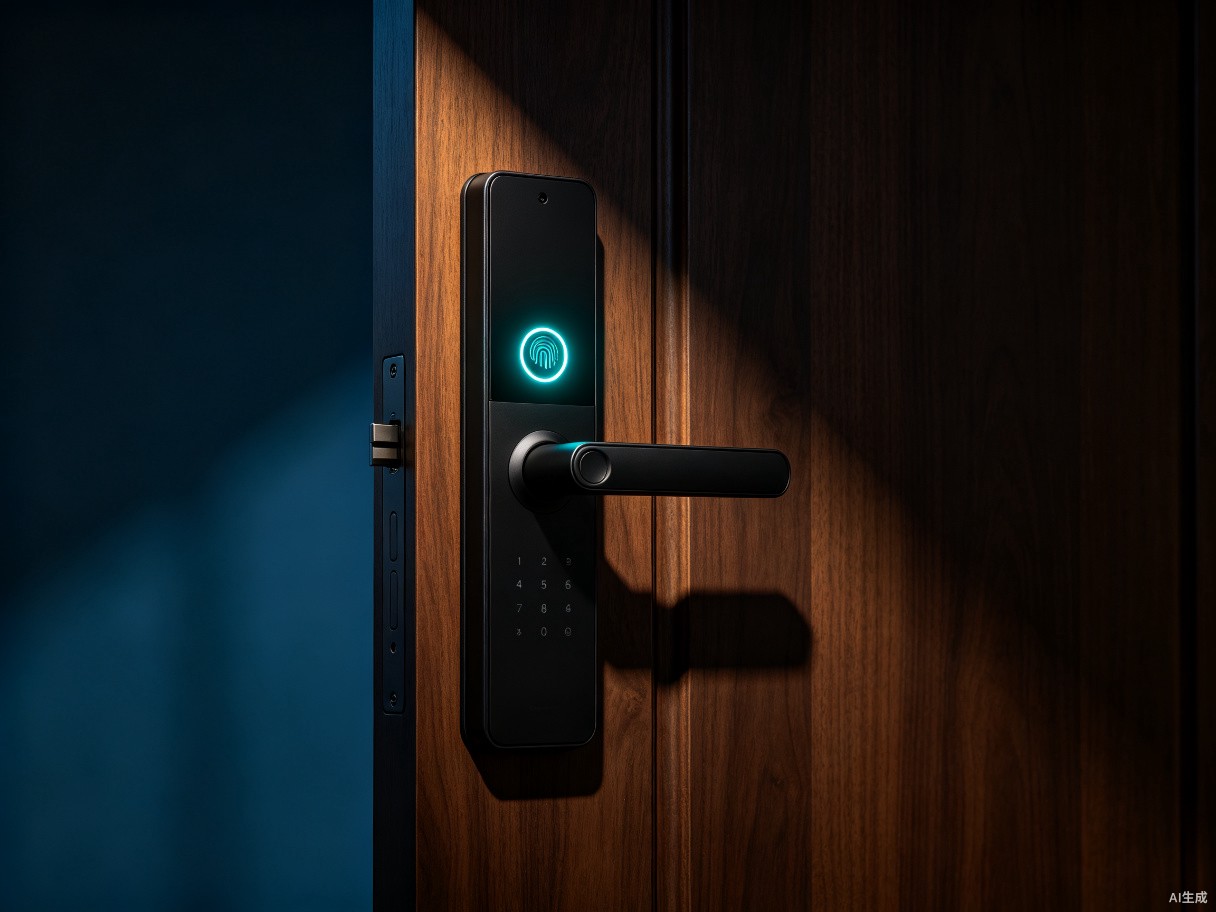
Five access methods · auto-lock timing · left- and right-handed door support
Five ways to unlock
Fingerprint, personalized PIN, app, supported voice assistant, or physical key.
No separate Wi-Fi hub
The featured Wi-Fi models connect to a compatible 2.4 GHz network.
Checkout on Amazon
Confirm the exact model, package contents, batteries, and door fit before ordering.
How it adapts
A lock that adapts to the people at your door.
The supplied Amazon listing states support for up to 50 fingerprints and 100 smart passcodes on the featured model. Use separate access for family, guests, or service providers.
Fingerprint entry
Place a finger on the reader for a keyless routine; enroll approved users through the product setup.
Codes with purpose
Create personal, scheduled, recurring, date-range, or one-time codes when the exact model supports them.
Auto-lock timing
The featured listing describes app-adjustable auto-lock from 10 to 180 seconds.
Before you buy
Check the door, network, and batteries.
Smart-lock convenience starts with physical compatibility and a reliable setup.
Door preparation
Confirm bore hole, backset, door thickness, handing, strike alignment, and deadbolt movement against the exact manual.
Wi-Fi requirement
The featured Wi-Fi models use 2.4 GHz. Check router distance and signal at the door.
Battery requirement
The featured listing requires eight AA alkaline batteries and states they are sold separately.
Voice setup
Review the current app, account, network, and voice-assistant requirements before relying on voice control.
Match the moment
Choose the access method by the moment.
The value is not more features. It is fewer lockouts, fewer shared keys, and clearer access for different people.
| Moment | Useful method | What to verify |
|---|---|---|
| Everyday family entry | Fingerprint or personal PIN | User capacity and enrollment process |
| Hands full at home | Supported voice assistant or app | Network and account setup |
| Guest or cleaner | Scheduled or one-time code | Code type and expiry behavior |
| Power or setup backup | Physical key | Keys included and secure storage |
Answers
Front-door questions
Final compatibility and features must match the exact Amazon model selected.
Does it need a separate Wi-Fi bridge?
The two featured Amazon models reviewed for this campaign state built-in Wi-Fi with no extra hub. Confirm this on the exact model because other Philips locks may use different connectivity.
Does it work with both left- and right-handed doors?
The featured listing states support for both, but physical door preparation and deadbolt alignment still need to match the installation guide.
Are batteries included?
The reviewed featured listings say batteries are not included. Check the current listing and use the specified battery type.
Is this page the seller?
No. Orders are completed on Amazon, where the current seller, price, delivery, returns, and product support details are shown.
Ready to order
Review the exact lock on Amazon.
Confirm your door fit, network, batteries, package contents, and current seller before ordering.
See the smart lock on Amazon